E-Bike Scheme Balloting Results 2026 – How to Check Online
E-Bike Scheme Balloting Results
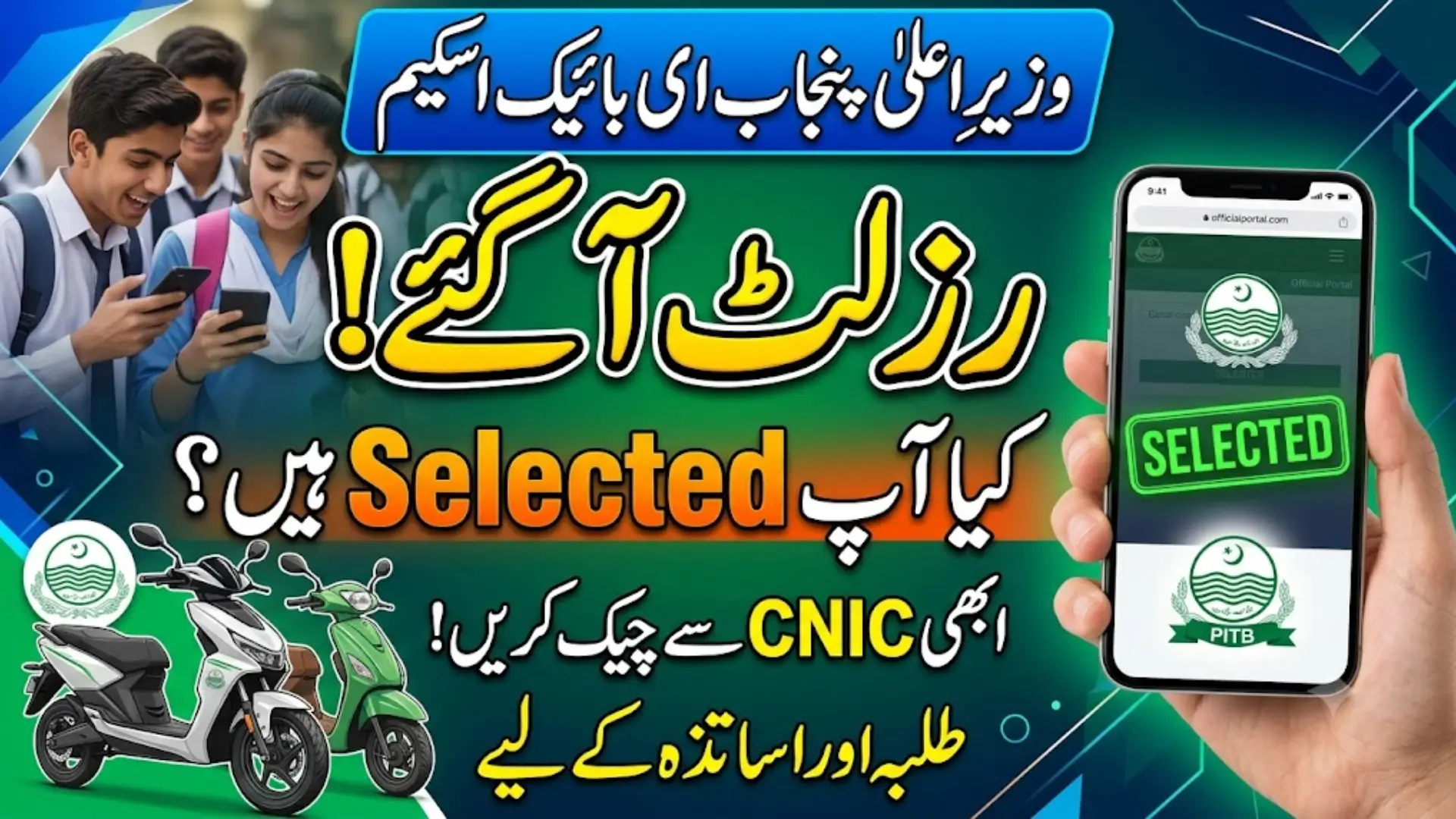
You applied for the CM Punjab E-Bike Scheme, and now comes the hardest part: waiting to find out if you were selected. Since demand for these bikes far exceeds supply, results are decided through computerized balloting. Here’s exactly how to check yours.
Why This Scheme Uses Balloting in the First Place
The CM Punjab E-Bike Scheme targets 100,000 bikes for distribution, but the number of eligible applicants across colleges and universities runs into the hundreds of thousands. To keep selection fair and transparent, the Punjab Information Technology Board (PITB) runs a computerized e-balloting system rather than approving applications on a first-come basis.
This matters for you because it means selection isn’t about how quickly you applied. It’s a randomized, verifiable process, so checking your result the right way is the only way to know where you actually stand.
Also Read: Apna Ghar Mehfooz Ghar Program Loan Details and Registration Process
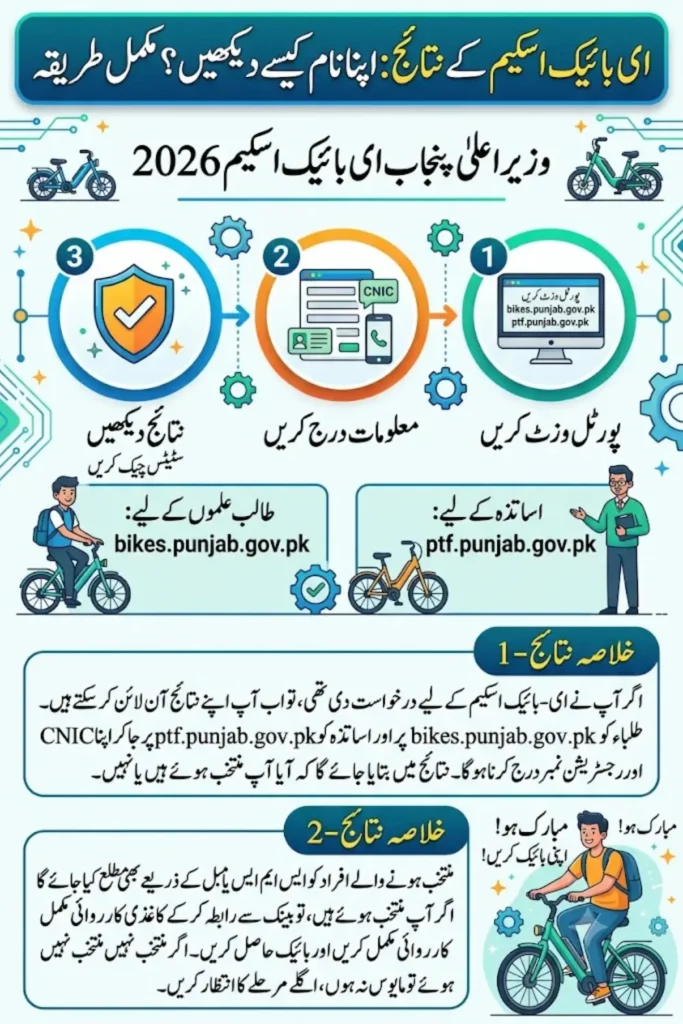
Where to Check Your Result
Your result location depends on which category you applied under.
For Students
Check your balloting result through the official portal: bikes.punjab.gov.pk
For Teachers
If you applied under the separate Punjab Teachers Foundation scheme, your results appear on: ptf.punjab.gov.pk
Using the wrong portal is a common mistake, since both schemes run on similar systems but are administered separately. Confirm which one you actually registered under before searching for your result.
Step-by-Step: Checking Your Result Online
- Visit the official portal for your category (student or teacher)
- Log in using the CNIC and mobile number you used during registration
- Navigate to the results or application status section, usually visible on your dashboard after login
- Enter your confirmation or reference number if the portal asks for it
- View your status, which will typically show as selected, not selected, or still pending
If you saved a screenshot of your original confirmation number when you applied, keep it nearby, since some result checks may require it for faster verification.
What the Different Results Mean
| Result Shown | What It Means |
|---|---|
| Selected | You’ve been chosen in the current balloting round |
| Not selected | You weren’t chosen this round, but may be eligible for future phases |
| Pending | Balloting for your category or city hasn’t been finalized yet |
| Application not found | Your CNIC or reference number may not match a submitted application |
If your result shows “application not found,” don’t panic immediately. Double-check that you’re using the correct CNIC format and that you’re searching under the right category (student vs teacher, E-Bike vs P-Bike vs Scooty).
You’ll Also Get Notified Directly
Beyond checking manually, selected applicants are typically notified through SMS and email using the contact details submitted during registration. This is why keeping your registered mobile number active and checking your email regularly matters just as much as logging into the portal yourself.
If you’ve changed your phone number since applying and haven’t updated it, this could be why you missed a notification, so it’s worth checking the portal directly rather than relying only on messages.
What to Do If You’re Selected
Once your result shows as selected, the next steps generally involve:
- Confirming your selection through the portal, if prompted
- Proceeding to your assigned bank branch, such as the Bank of Punjab, for financing formalities
- Completing your down payment (for male applicants under the installment structure) or confirming free allocation (for eligible female applicants)
- Collecting your bike according to the schedule provided
Delaying this next step too long after selection can sometimes affect your allocation, so it’s best to act promptly once you’re confirmed.
Also Read: Punjab E-Bike Scheme for Government Employees 2026 – Eligibility & Registration Guide
What to Do If You Weren’t Selected
Not being selected in one balloting round doesn’t necessarily mean you’re out of the scheme entirely.
- Check if a future phase is opening. The scheme has expanded in phases, both by city and eligibility scope, so a new round may become available.
- Confirm your application details are still accurate in the portal for any future automatic re-consideration, if the scheme allows it.
- Watch official announcements from the Punjab government or PITB regarding new application windows.
Also Read: Rehmat Card Registration 2026 – Apply Online in 3 Easy Steps
Common Issues While Checking Results
Portal Not Loading or Slow to Respond
Result announcement days typically see very high traffic. If the portal is slow, try again during off-peak hours rather than repeatedly refreshing, which can add more load to the system.
CNIC Not Recognized
Make sure you’re entering your CNIC in the correct format, usually with dashes included. A missing or extra character is a common reason for a failed lookup.
Result Shows for the Wrong Category
If you accidentally applied through both a personal and a shared device or account, double-check which specific application you’re viewing, since duplicate or incorrect entries can cause confusion.
Also Read: Punjab E-Bike Scheme Phase 2 2026: All 36 Districts, Scooties and Petrol Bikes Explained
Conclusion
Checking your E-Bike Scheme balloting result comes down to visiting the correct official portal, either bikes.punjab.gov.pk for students or ptf.punjab.gov.pk for teachers, logging in with your registered CNIC, and viewing your status directly. Keep your registered mobile number active for SMS updates, and if you’re not selected this round, watch for future phases rather than assuming the opportunity is closed for good.
Also Read: Punjab E-Bike Scheme Phase 2 2026: All 36 Districts, Scooties and Petrol Bikes Explained
FAQs
Where can I check my E-Bike Scheme balloting result?
Students should check bikes.punjab.gov.pk, while teachers applying through the Punjab Teachers Foundation scheme should check ptf.punjab.gov.pk.
How will I know if I’m selected without checking the portal?
Selected applicants are typically notified through SMS and email using the contact details provided during registration.
What should I do if my result shows “application not found”?
Double-check your CNIC format and confirm you’re checking under the correct category and portal. If the issue continues, contact the portal’s official support channel.
Can I apply again if I wasn’t selected this round?
Yes, if a new phase opens for your city or category, you can typically apply again. Watch for official Punjab government announcements about upcoming phases.
What happens after I’m confirmed as selected?
You’ll generally need to visit your assigned bank branch to complete financing formalities and down payment requirements before collecting your bike.
Why is the results portal slow on announcement day?
High traffic from thousands of applicants checking simultaneously can slow down the portal. Try again after peak hours instead of repeatedly reloading the page.
Also Read: Apni Chhat Mehfooz Chhat Program: How to Apply Online in 2026